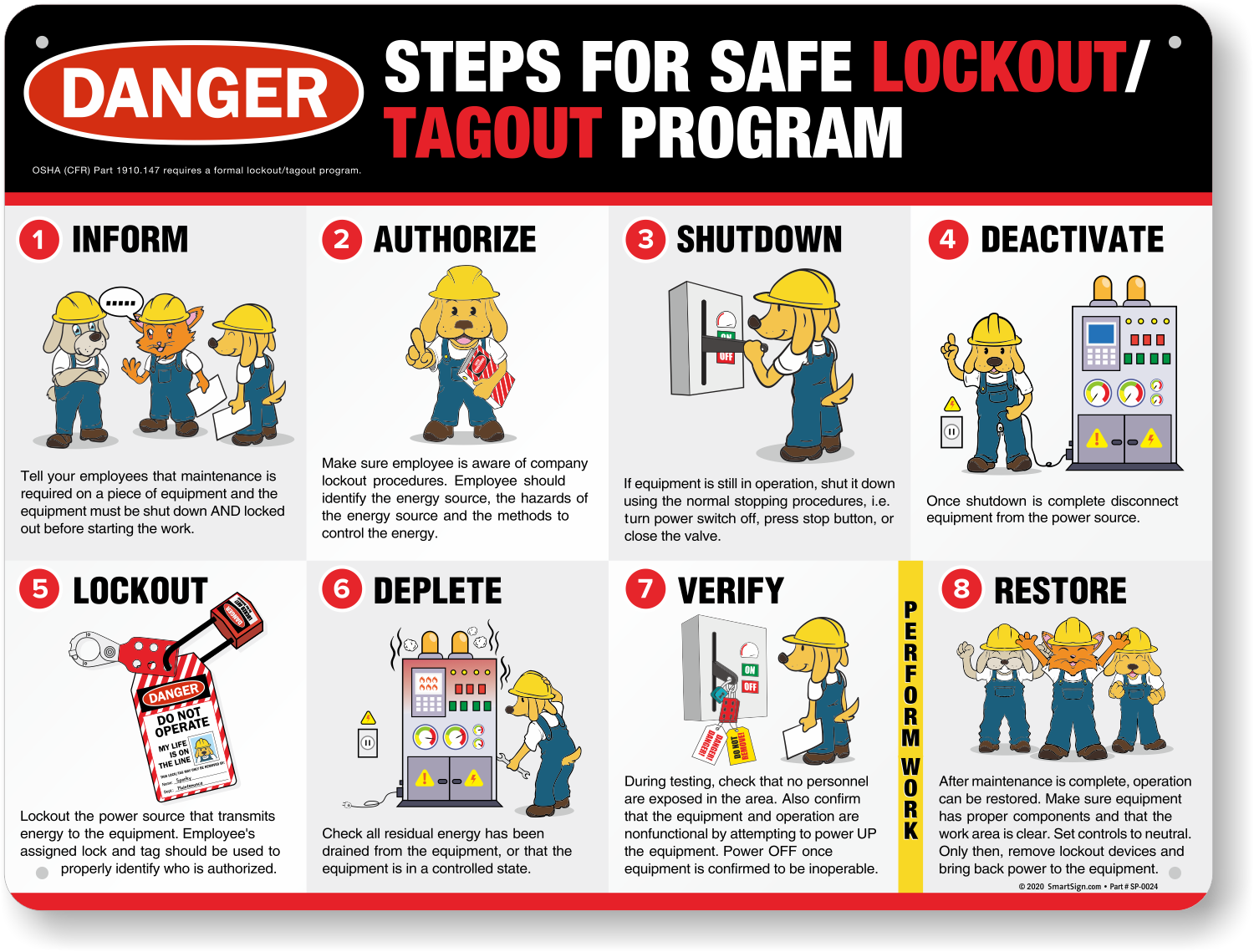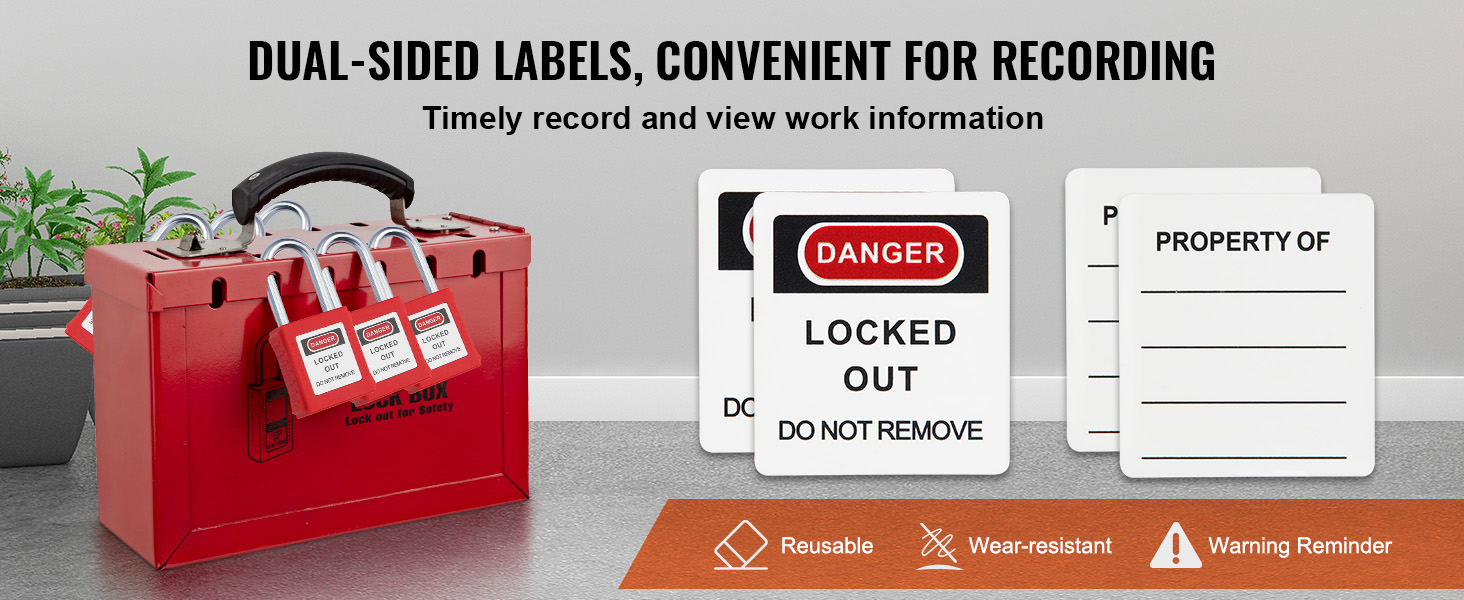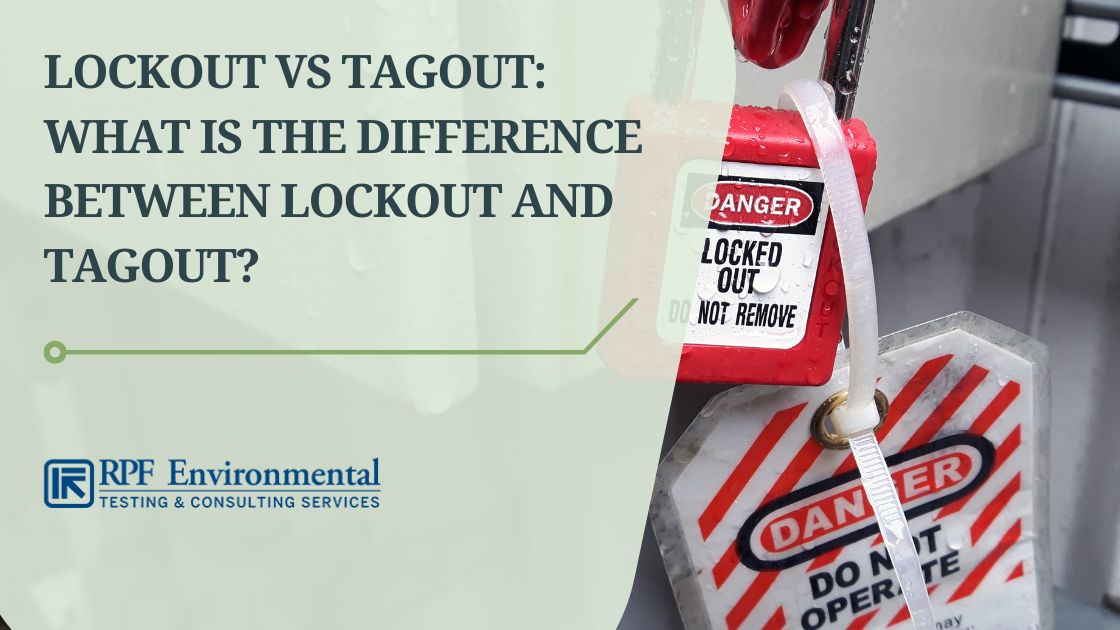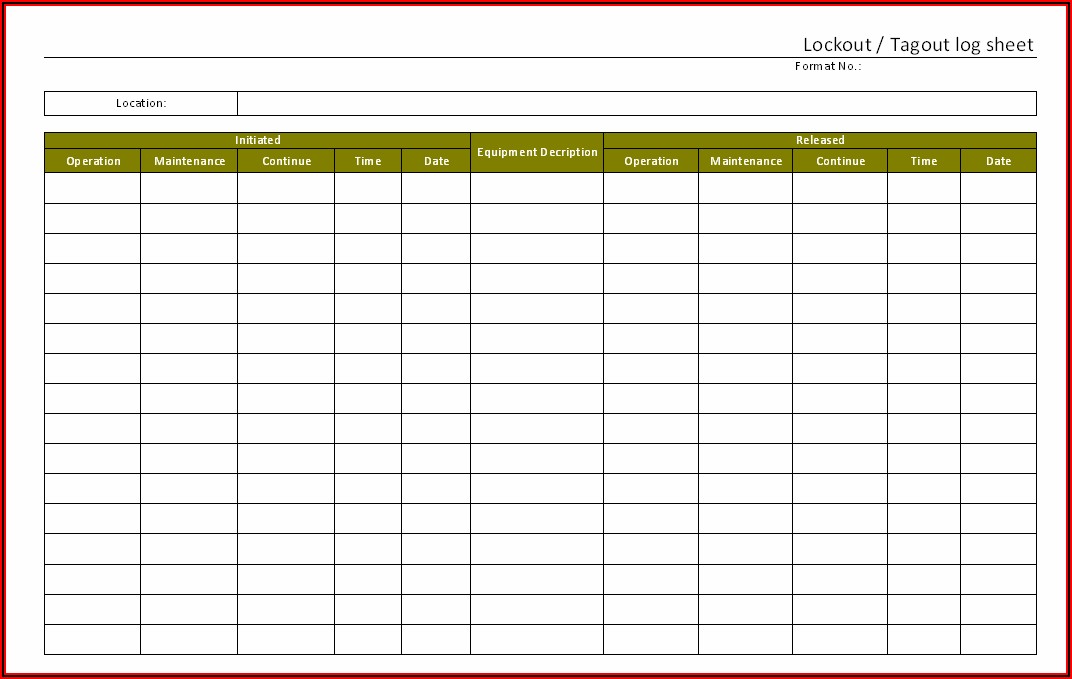
A maintenance technician finishes repairing a conveyor system. The machine hums back to life—too soon. Another worker, unaware the lockout was lifted, gets caught in moving parts. This scenario isn’t hypothetical. It happens when the lockout tagout removal form is ignored, bypassed, or poorly executed.
The removal phase of a lockout tagout (LOTO) procedure isn’t just a formality—it's the final checkpoint in a life-saving protocol. Yet, it’s where compliance often frays. Workers rush. Forms are unsigned. Verifications skipped. The lockout tagout removal form exists to prevent exactly that: uncontrolled re-energization of hazardous energy sources.
This guide breaks down what the form is, why it matters, how to use it correctly, and what pitfalls to avoid—all from the perspective of safety officers, maintenance leads, and compliance managers who enforce these procedures daily.
What Is a Lockout Tagout Removal Form?
The lockout tagout removal form is a documented step in the LOTO process that formally records the removal of locks, tags, and energy isolation devices after maintenance or servicing. It is not optional. It is not ceremonial. It is a legal and operational requirement under OSHA 29 CFR 1910.147.
This form verifies that: - The task is completed - Tools and equipment are removed - Workers are clear of the machinery - Only authorized personnel are re-energizing the system
Unlike the initial lockout form—which establishes isolation—the removal form closes the loop. It ensures no assumptions are made about the machine’s state before restart.
Example: At a food processing plant, a technician repairs a meat grinder. After replacing the blade assembly, they fill out the LOTO removal form, confirming all tools are out, guards are replaced, and no one is near the feed chute. Only then is the lock removed and power restored.
Without this form, the technician might restart the machine based on memory or verbal confirmation—both unreliable and dangerous.
Why the Removal Form Is Non-Negotiable
Many organizations treat the removal form as an afterthought. That mindset leads to incidents.
Consider this real-world case: In 2022, a worker at a Midwest packaging facility suffered a hand injury when a hydraulic press activated mid-maintenance. Investigation revealed the LOTO form was never completed. The technician assumed another worker had cleared the area. He hadn’t.
The removal form exists to eliminate assumptions. It forces accountability.
Key Reasons to Use the Form:
- Legal Protection: OSHA requires documented verification of LOTO procedures. Auditors will ask for completed forms.
- Liability Control: In the event of an accident, signed removal forms demonstrate due diligence.
- Clarity in Multi-Person Teams: When multiple technicians are involved, the form tracks who removed each lock and when.
- Training Reinforcement: Regular use of the form ingrains safe behavior in new employees.
Skipping the form—even once—sets a precedent. And precedent overrides policy faster than any written rule.
Components of an Effective LOTO Removal Form
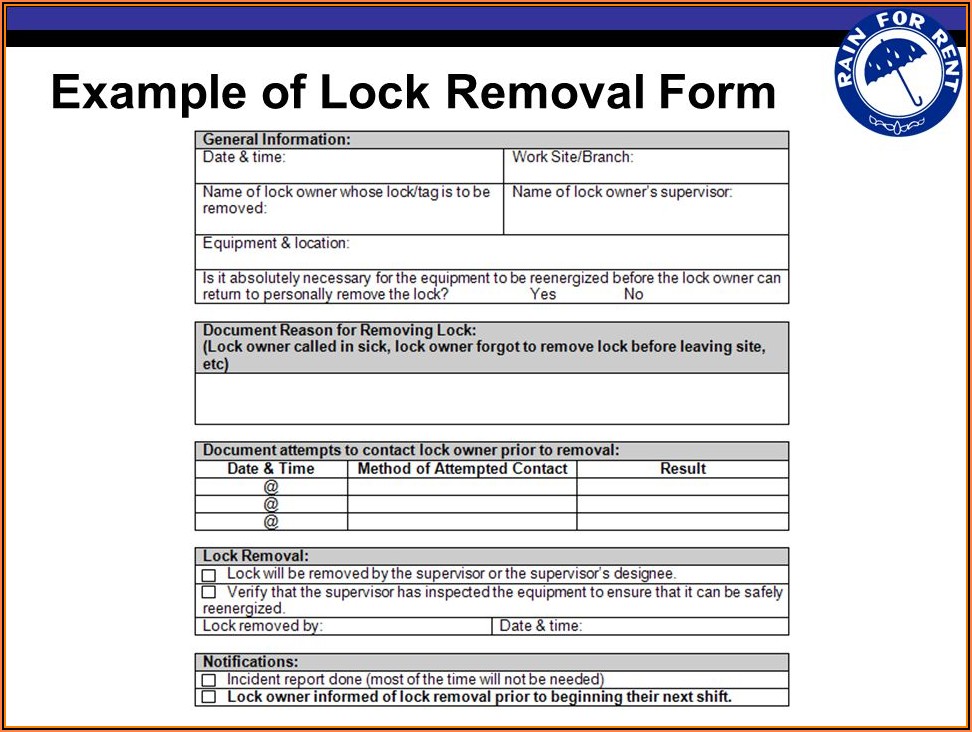
A strong removal form isn’t a blank sheet with a signature line. It’s structured to capture critical data at the moment of re-energization.
Essential Sections:
- Equipment Identification
- - Machine name, ID number, location
- - Specific energy sources isolated (electrical, pneumatic, hydraulic)
- Maintenance Details
- - Task performed
- - Date and time of completion
- Verification Checklist
- - Tools removed?
- - Guards and safety devices reinstalled?
- - Area cleared of personnel?
- Authorized Personnel Sign-Off
- - Name, ID, signature of the person removing the lock
- - Supervisor verification (in high-risk scenarios)
- Re-energization Confirmation
- - Time power was restored
- - Method of restart (manual, automated)
Pro Tip: Use time-stamped digital forms where possible. Paper forms can be lost or falsified. Digital logs provide immutable records and integrate with maintenance management systems.
Common Mistakes That Undermine the Process
Even with a well-designed form, human error persists. These are the most frequent missteps:
1. Signing Before Verification Technicians sign the form before ensuring the area is clear. This is compliance theater—going through motions without substance.
2. Group Lockout Oversights In multi-craft jobs, one person removes all locks. But OSHA requires each authorized employee to remove their own lock. The removal form must list each lock removed and by whom.
3. Using Generic Forms A one-size-fits-all form won’t capture machine-specific risks. A CNC lathe requires different verification than a boiler system.
4. Failing to Train on the Form New hires get trained on lockout—but not on proper removal documentation. The form becomes a surprise during audits.
5. No Follow-Up Review Completed forms are filed away and never reviewed. Lost opportunity to catch trends or near-misses.
Real-World Consequence: A chemical plant faced a $98,000 OSHA fine after an inspector found 17 incomplete LOTO removal forms in a single month. The issue wasn’t the absence of forms—it was their poor quality.
Integrating the Removal Form Into Your LOTO Workflow
A form is only as strong as the process behind it. Here’s how to embed it into daily operations:
Step-by-Step Integration:
- Pre-Job Briefing
- Review the LOTO procedure, including expected completion time and removal protocol.
- Isolation & Tagging
- Apply locks and tags. Log each on the initial LOTO form.
- Task Completion
- After repair, the technician conducts a physical sweep: tools out, guards in place, area clear.
- Fill Out Removal Form
- Complete every field—no blanks, no initials without names.
- Supervisor Check (if required)
- For high-risk tasks, a second person verifies the checklist.
- Lock Removal & Restart
- Only after form is signed. Record restart time.
- File and Store
- Digital storage with searchable metadata (e.g., equipment ID, date) enables quick audit access.
Workflow Tip: Pair the removal form with a “buddy confirmation” system. One technician checks the area; the other signs. Redundancy saves lives.
Digital vs. Paper Forms: What Works Better?
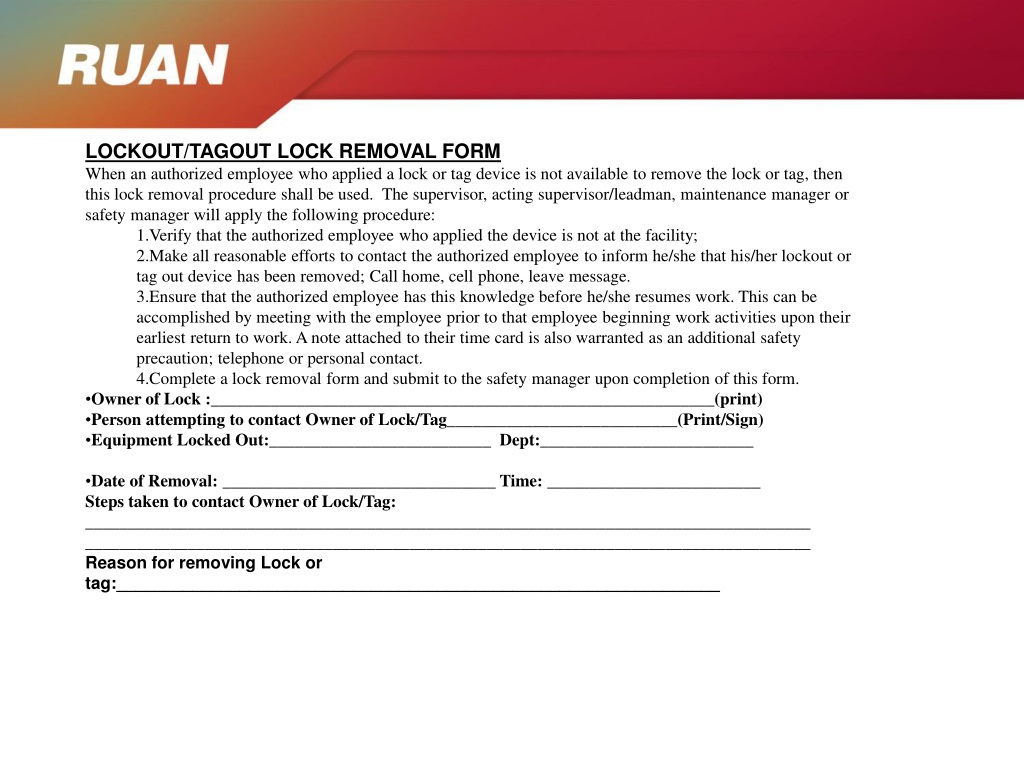
The debate isn’t about preference—it’s about reliability.
| Factor | Paper Forms | Digital Forms |
|---|---|---|
| Accessibility | On-site only | Cloud-accessible from any device |
| Data Accuracy | Prone to illegible handwriting | Structured inputs, dropdowns |
| Audit Trail | Easy to lose or alter | Time-stamped, tamper-proof |
| Integration | None | Syncs with CMMS or EHS platforms |
| Training Use | Limited | Exportable for safety meetings |
Verdict: Digital forms win for consistency and compliance. But if paper is your only option, enforce strict filing and review protocols.
Consider this: A manufacturing plant reduced LOTO errors by 63% after switching to a tablet-based removal form with mandatory photo uploads of cleared work zones.
Real-World Use Cases
Case 1: Automotive Assembly Line A robot arm required calibration. Five technicians applied locks. After work, each removed their own lock only after signing the digital removal form. The system flagged one missing signature—preventing premature restart.
Lesson: Group work demands granular tracking.
Case 2: Water Treatment Plant A valve repair took longer than expected. Shift change occurred. The incoming crew refused to remove locks because the removal form wasn’t completed by the outgoing team.
Lesson: The form transcends shifts. It’s a communication tool.
Case 3: Small Machine Shop Owner skipped the form for a quick belt change. Machine started while a helper reached into the guard. Injury occurred. OSHA cited lack of documentation as a primary failure.
Lesson: Speed kills. Documentation protects.
Choosing the Right LOTO Removal Form Template
Not all templates are equal. Use one that matches your operational complexity.
Here are five reliable options:
- OSHA-Compliant Basic Template (Free, PDF)
- - Created by NIOSH
- - Covers core requirements
- - Best for small shops with simple machinery
- Customizable Digital Form (Simplicity LOTO)
- - Cloud-based, offline capable
- - Photo evidence upload
- - Integrates with SafetyCulture
- Group Lockout Removal Template (LockoutTagout.com)
- - Multi-signature fields
- - Lock tracker grid
- - Ideal for team-based maintenance
- CMMS-Integrated Form (Fiix by Rockwell)
- - Auto-generates from work orders
- - Links to asset history
- - Enterprise-level tracking
- Industry-Specific Template (Chemical Sector, ANSI Z244.1 Aligned)
- - Addresses multiple energy types
- - Includes hazard communication fields
- - Designed for high-risk environments
Choose based on your risk profile, not convenience. A refinery shouldn’t use a template made for a print shop.
Final Step: Make Compliance Unavoidable
The lockout tagout removal form isn’t paperwork. It’s a safety barrier. And like any barrier, it only works if engaged every time.
Implement these final steps: - Audit 10% of completed forms monthly - Include form accuracy in safety performance reviews - Display near-miss stories where forms prevented incidents - Update templates annually based on incident data
Compliance isn’t about avoiding fines. It’s about ensuring every worker goes home unharmed.
Use the removal form not because OSHA says so—but because it’s the last line of defense between a machine at rest and one in motion.
Fill it out. Every. Single. Time.
Frequently Asked Questions
What happens if a lockout tagout removal form is missing? A missing form is a compliance violation. OSHA can issue citations. More importantly, it indicates a breakdown in safety culture.
Can someone else remove my lock if I’m unavailable? Only under strict procedures: supervisor verification, documented attempts to contact you, and a formal unlock protocol. Never encourage “just removing it.”
Do I need a removal form for every lockout? Yes. Every servicing event requires documentation, regardless of task duration.
Who is authorized to sign the removal form? Only the authorized employee who applied the lock. In group scenarios, each person signs for their own lock.
Can digital signatures be used? Yes, if the system ensures authenticity (e.g., PIN, biometrics, or secure login).
Should removal forms be kept permanently? Retain for at least one year. High-risk industries may keep them for 3–5 years or per internal policy.
Can the same form be used for lockout and removal? Some templates combine both, but separate forms reduce errors. Clear distinction prevents premature sign-offs.
FAQ
What should you look for in Lockout Tagout Removal Form: A Practical Guide for Safety Compliance? Focus on relevance, practical value, and how well the solution matches real user intent.
Is Lockout Tagout Removal Form: A Practical Guide for Safety Compliance suitable for beginners? That depends on the workflow, but a clear step-by-step approach usually makes it easier to start.
How do you compare options around Lockout Tagout Removal Form: A Practical Guide for Safety Compliance? Compare features, trust signals, limitations, pricing, and ease of implementation.
What mistakes should you avoid? Avoid generic choices, weak validation, and decisions based only on marketing claims.
What is the next best step? Shortlist the most relevant options, validate them quickly, and refine from real-world results.