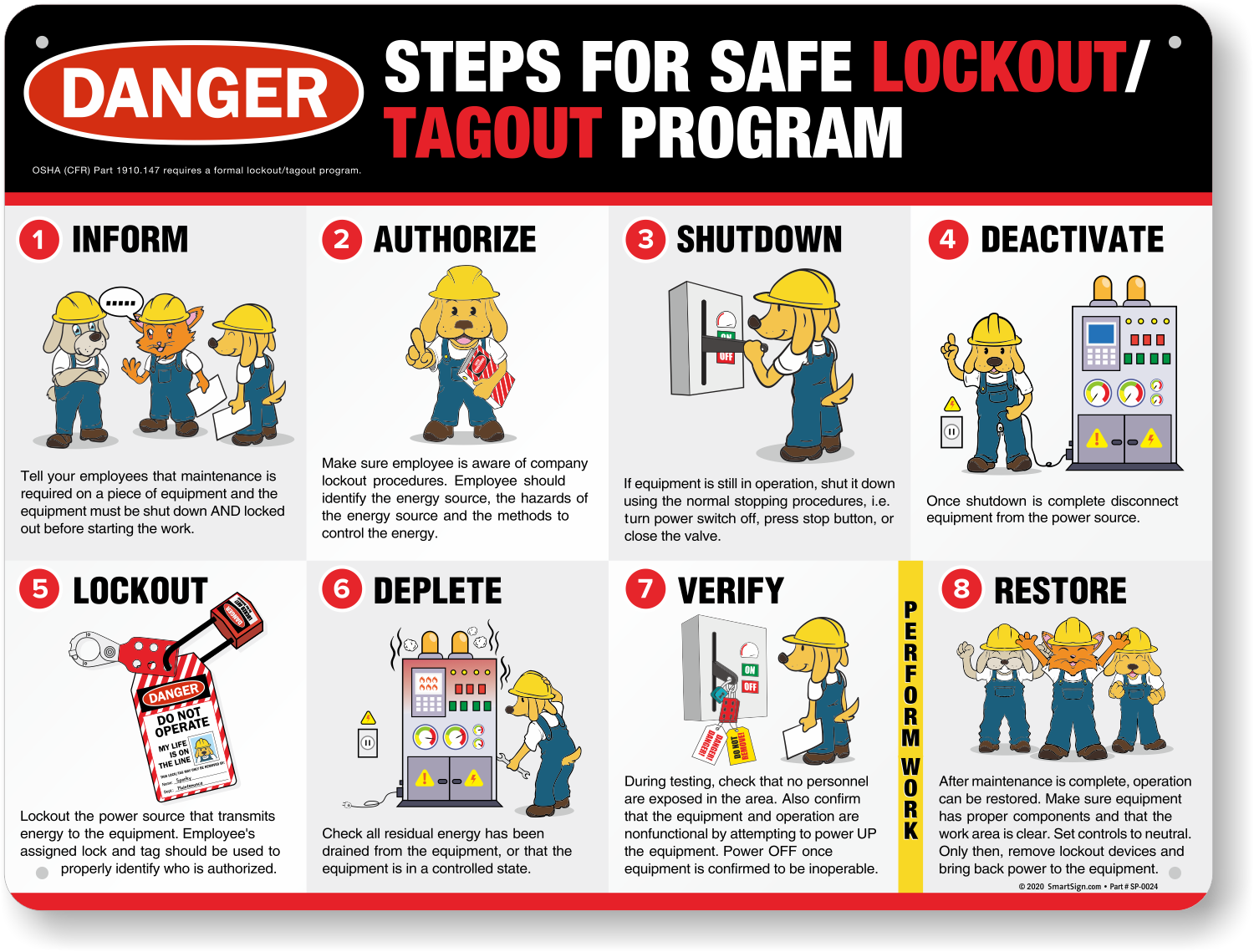
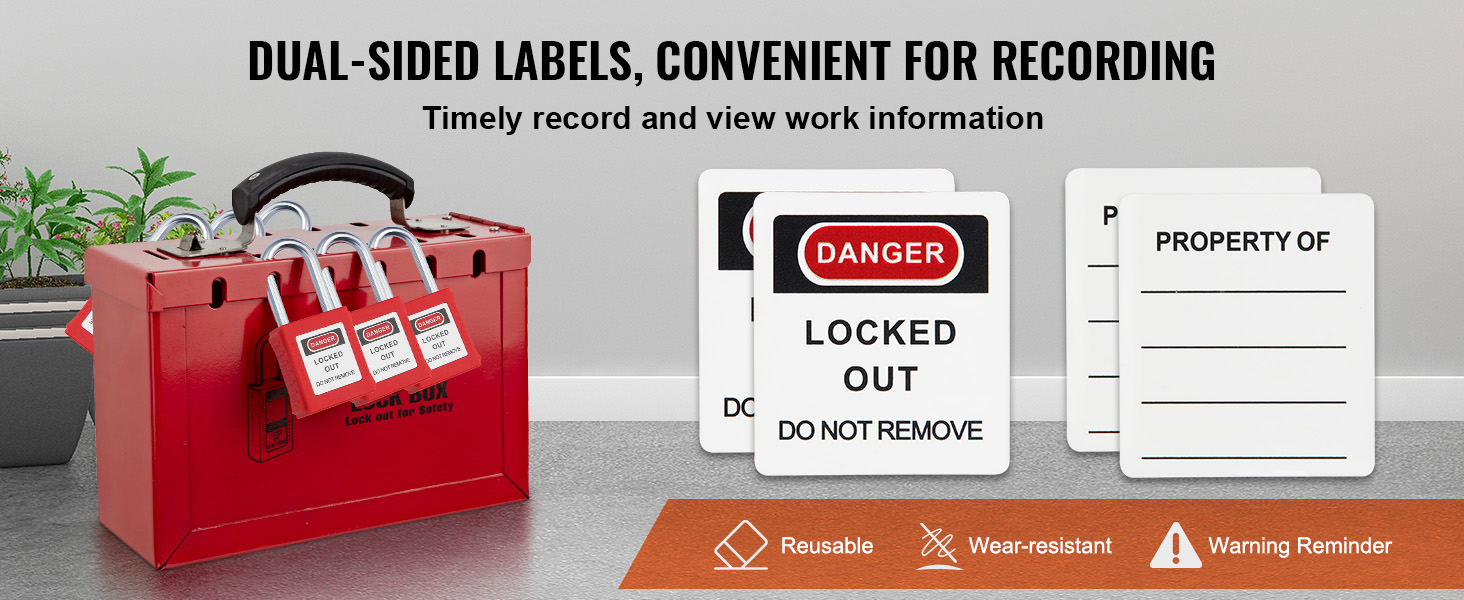
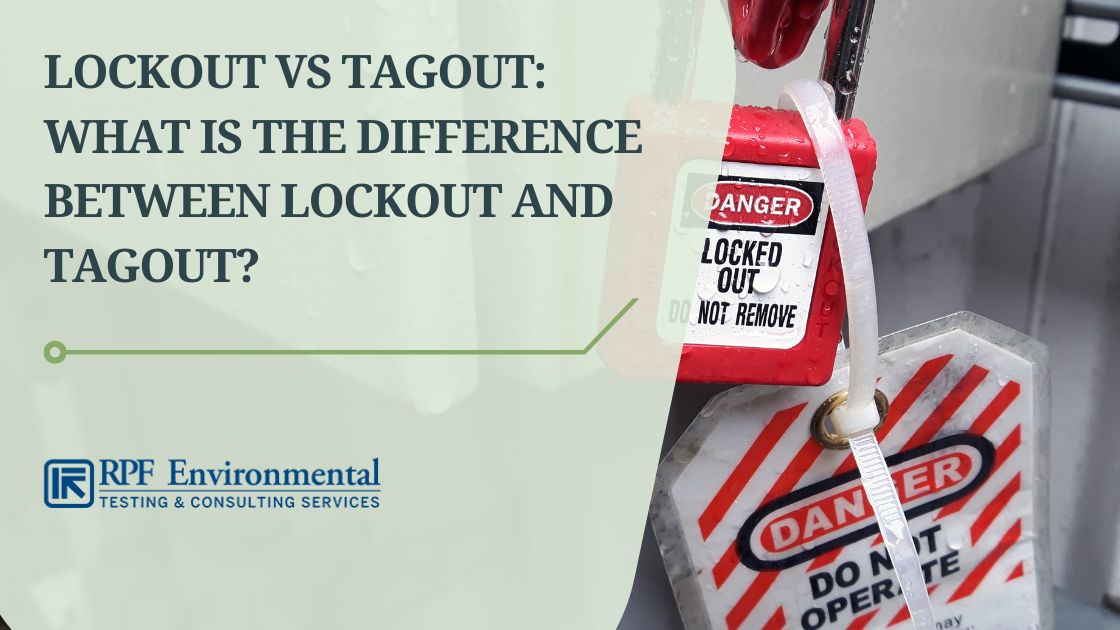
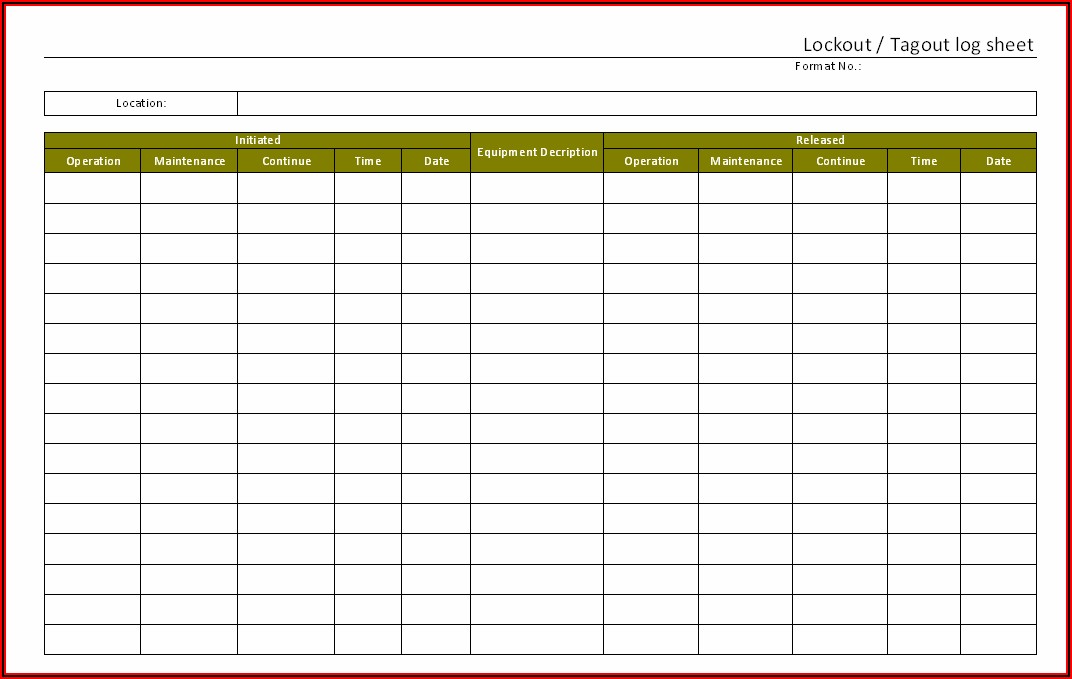
When machinery stops, danger doesn’t. Without a standardized way to communicate why a device is locked out, workers risk accidental restarts, serious injury, or worse. The solution isn’t complex—it’s a well-designed lockout tagout tag template. This simple tool becomes the frontline defense in energy control procedures, ensuring every team member knows what’s isolated, why, and who’s responsible.
A template isn’t just paperwork—it’s a communication protocol. When done right, it removes ambiguity, enforces accountability, and aligns with OSHA 1910.147 requirements. When done poorly, it creates confusion and increases liability. Let’s break down what makes an effective LOTO tag template, how to customize it, and where most organizations go wrong.
Why a Lockout Tagout Tag Template Isn’t Optional
Lockout tagout procedures exist to control hazardous energy during servicing or maintenance. While locks physically prevent equipment activation, tags communicate critical information. Without a consistent template, those messages vary—sometimes dangerously so.
Consider a maintenance technician replacing a conveyor belt motor. They apply a lock, but the tag reads: “Fixing motor.” That’s not enough. What if another worker removes the lock, assuming it’s already repaired? A proper template forces clarity by requiring:
- Employee name
- Department
- Date and time of lock application
- Equipment affected
- Reason for lockout
- Expected completion time
- Contact information
Without these fields, the tag fails its primary purpose: communication under pressure.
OSHA doesn’t mandate a specific format, but it does require that tags include the identity of the authorized employee and a clear warning. A standardized template ensures compliance across shifts, departments, and sites.
Core Elements of an Effective LOTO Tag Template
Not all templates are created equal. A good one balances completeness with usability. Overload it, and workers skip fields. Under-specify it, and critical details get missed.
Here’s what every lockout tagout tag template should include:
#### 1. Authorized Employee Information Full name, employee ID, and department. This establishes ownership and accountability. In multi-craft environments, this prevents confusion about who applied the lock.
#### 2. Equipment Identification Specific asset name, ID number, or location. “Pump #3” is better than “the big pump.” Use asset tags or schematics to avoid ambiguity.
#### 3. Date and Time of Lock Application Precision matters. A tag marked “05/14, 9:00 AM” is more reliable than “Monday morning.” This helps track how long equipment has been offline and supports shift handover.
#### 4. Reason for Lockout Beyond “maintenance,” specify the task: “Replacing gearbox bearings,” “Electrical panel inspection,” or “Conveyor alignment.” This prevents assumptions and supports safety reviews.

#### 5. Expected Return to Service Estimated completion time or shift. This helps supervisors plan and reduces the temptation to bypass LOTO for time-sensitive operations.
#### 6. Contact Information Phone number or extension. If questions arise, the next shift knows who to call—without guessing.
#### 7. Danger Warning Statement Standardized phrase like: “DO NOT OPERATE – EQUIPMENT UNDER MAINTENANCE” or “LOCKOUT IN PROGRESS – AUTHORIZED PERSONNEL ONLY”
OSHA accepts custom wording as long as it’s clear and visible.
#### 8. Lock Number (Optional but Recommended) If your system uses numbered locks, include the lock ID. This links the tag to the physical device and supports audit trails.
Common Mistakes That Undermine LOTO Tags
Even with a solid template, execution often fails. These recurring issues weaken safety systems:
- Using pencil or non-permanent ink – Smudged or faded tags become unreadable, especially in wet or greasy environments.
- Pre-filling tags – Tags filled out before shutdown increase the risk of errors. Data should reflect real-time conditions.
- Vague equipment descriptions – “Machine in Room B” is ambiguous. Use asset IDs from your maintenance system.
- Missing contact info – If the responsible worker is on break, no one knows who to contact.
- Reusing tags – Tags are single-use. Reusing them suggests a lockout is still active when it’s not.
One manufacturing plant reported repeated near-misses because workers used generic tags without names. After switching to a standardized template with photo ID fields, compliance rose from 68% to 96% in three months.
How to Customize Your LOTO Tag Template
One-size-fits-all rarely works in industrial settings. Customize your template to match your operations.
#### For High-Risk Environments (Chemical, Energy, Heavy Manufacturing) Add: - Energy types isolated (electrical, hydraulic, pneumatic, etc.) - Isolation points (e.g., “Valve #4 closed and locked”) - Supervisor approval field
#### For Multi-Language Workforces Include bilingual fields. A Spanish-English tag ensures clarity across teams. Avoid relying on icons alone—language barriers persist even with symbols.
#### For Facilities with Frequent Contractors Add a contractor section: - Company name - On-site supervisor - Contract work order number
This builds accountability when third parties perform maintenance.
5 Ready-to-Use LOTO Tag Templates (Free & Customizable)
You don’t need to build from scratch. These templates are field-tested and OSHA-aligned:

| Provider | Format | Key Features | Best For |
|---|---|---|---|
| OSHA.gov | PDF, Printable | Basic fields, OSHA-compliant wording | Small businesses, compliance audits |
| Creative Safety Supply | Editable PDF, Word | Bilingual options, color-coded | Multilingual teams |
| EHS Daily Advisor | Excel-based | Customizable fields, batch printing | Large facilities with asset databases |
| SafetySign.com | Pre-printed, laminated | Weather-resistant, tear-proof | Outdoor or wet environments |
| LockoutTagout.com | Digital + Print | QR code integration, mobile logging | Tech-forward operations |
Choose based on your workflow. Paper tags still dominate, but digital solutions are rising—especially for facilities using CMMS platforms.
The shift toward digital lockout systems raises a real question: should you move beyond paper?
- ✅ Low cost, no tech required
- ✅ Universally understood
- ❌ Prone to damage, loss, or tampering
- ❌ Hard to audit or track over time
- ✅ Real-time tracking via mobile apps
- ✅ Integrated with CMMS and LOTO software
- ✅ Audit trails and automatic reminders
- ❌ Requires training and infrastructure
- ❌ Higher initial cost
For most mid-sized to large operations, hybrid systems work best. Use paper tags as the physical standard, but log them in a digital tracker. This preserves compliance while enabling oversight.
One food processing plant reduced LOTO violations by 74% after implementing QR-coded tags linked to a cloud dashboard. Supervisors could scan a lock and instantly see who applied it and when.
Implementing Your Template: A 4-Step Workflow
A great template only works if it’s used correctly. Follow this process:
- Train All Authorized Employees
- Conduct hands-on sessions showing how to fill out the tag completely. Use real equipment scenarios.
- Integrate with LOTO Procedures
- Make the template part of your written energy control program. Reference it in training manuals and checklists.
- Audit Monthly
- Spot-check 10–20% of active lockouts. Are tags fully filled? Are locks matched to tags? Document findings.
- Review and Update Annually
- Gather feedback from maintenance teams. Are fields missing? Is the layout hard to read? Iterate.
One refinery discovered that workers skipped the “expected completion time” field because the box was too small. A simple redesign increased compliance by 40%.
Final Thoughts: Clarity Saves Lives
A lockout tagout tag template isn’t administrative overhead—it’s a life-saving tool. When a machine holds stored energy, a poorly filled tag can lead to catastrophe. A clear, standardized form ensures that every worker, from apprentice to supervisor, knows exactly what’s happening.
Don’t settle for vague warnings or inconsistent formats. Build or adopt a template that demands precision. Train your team to treat every tag as a contract: incomplete information voids the protection.
Start today: download a customizable template, print a batch, and run a trial with your maintenance crew. Refine it based on real feedback. Make it durable, obvious, and mandatory.
Because when the power comes back on, the only thing that should restart is the machine—not the investigation.
Frequently Asked Questions
What should be included on a lockout tagout tag? A complete tag includes the worker’s name, department, date/time, equipment ID, reason for lockout, expected completion, contact info, and a clear warning message.
Can I make my own LOTO tag template? Yes, as long as it meets OSHA’s requirements for employee identification and hazard communication. Many companies customize templates for their specific needs.
Are digital LOTO tags OSHA-compliant? OSHA doesn’t specify format, so digital tags are compliant if they provide equivalent protection and are used within a controlled system.
How durable should a LOTO tag be? Tags must resist fading, tearing, and environmental damage. Use weather-resistant materials in harsh conditions.
Should contractors use the same LOTO tag template? Yes—standardization is critical. Include contractor-specific fields but maintain the same core format.
Can a tag alone be used without a lock? Only in rare cases where a lock isn’t feasible. Tags are secondary; locks are the primary energy control method.
How long can a LOTO tag remain in place? Until the work is complete and the authorized employee removes it. Tags should never be removed by someone else, even if the job appears finished.
FAQ
What should you look for in Lockout Tagout Tag Template: The Key to Safer Workplaces? Focus on relevance, practical value, and how well the solution matches real user intent.
Is Lockout Tagout Tag Template: The Key to Safer Workplaces suitable for beginners? That depends on the workflow, but a clear step-by-step approach usually makes it easier to start.
How do you compare options around Lockout Tagout Tag Template: The Key to Safer Workplaces? Compare features, trust signals, limitations, pricing, and ease of implementation.
What mistakes should you avoid? Avoid generic choices, weak validation, and decisions based only on marketing claims.
What is the next best step? Shortlist the most relevant options, validate them quickly, and refine from real-world results.